Turn knowledge into steps — then keep them clear.
Sage sits in the guide you are writing. Start from an idea or a screenshot, review every suggestion before it lands, and ask questions without leaving the process.
- Draft a first version from a title, a description, or an image
- Find missing steps, tighten wording, and mark tips, warnings, and decisions
- Ask Sage about this guide, or across the whole library
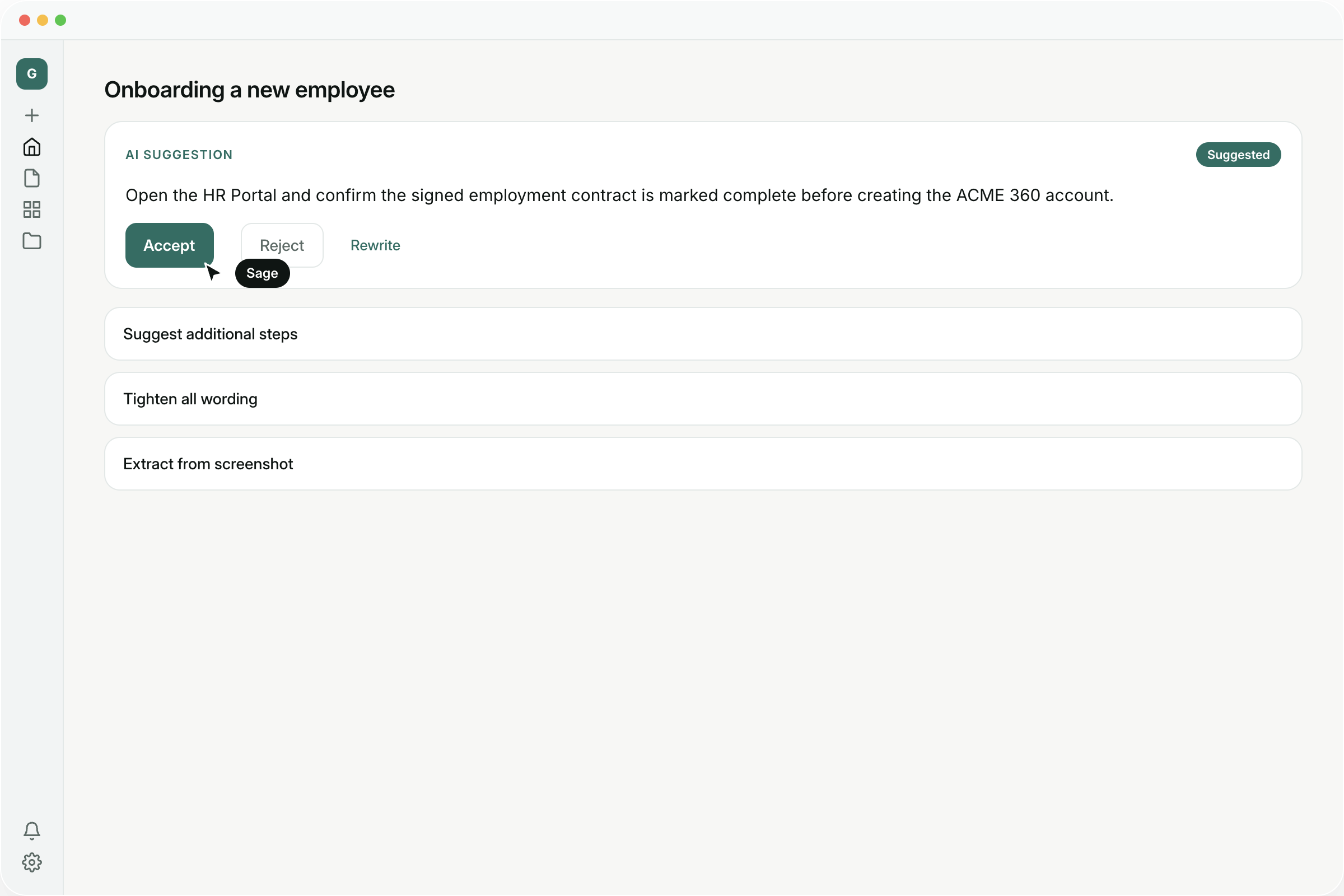
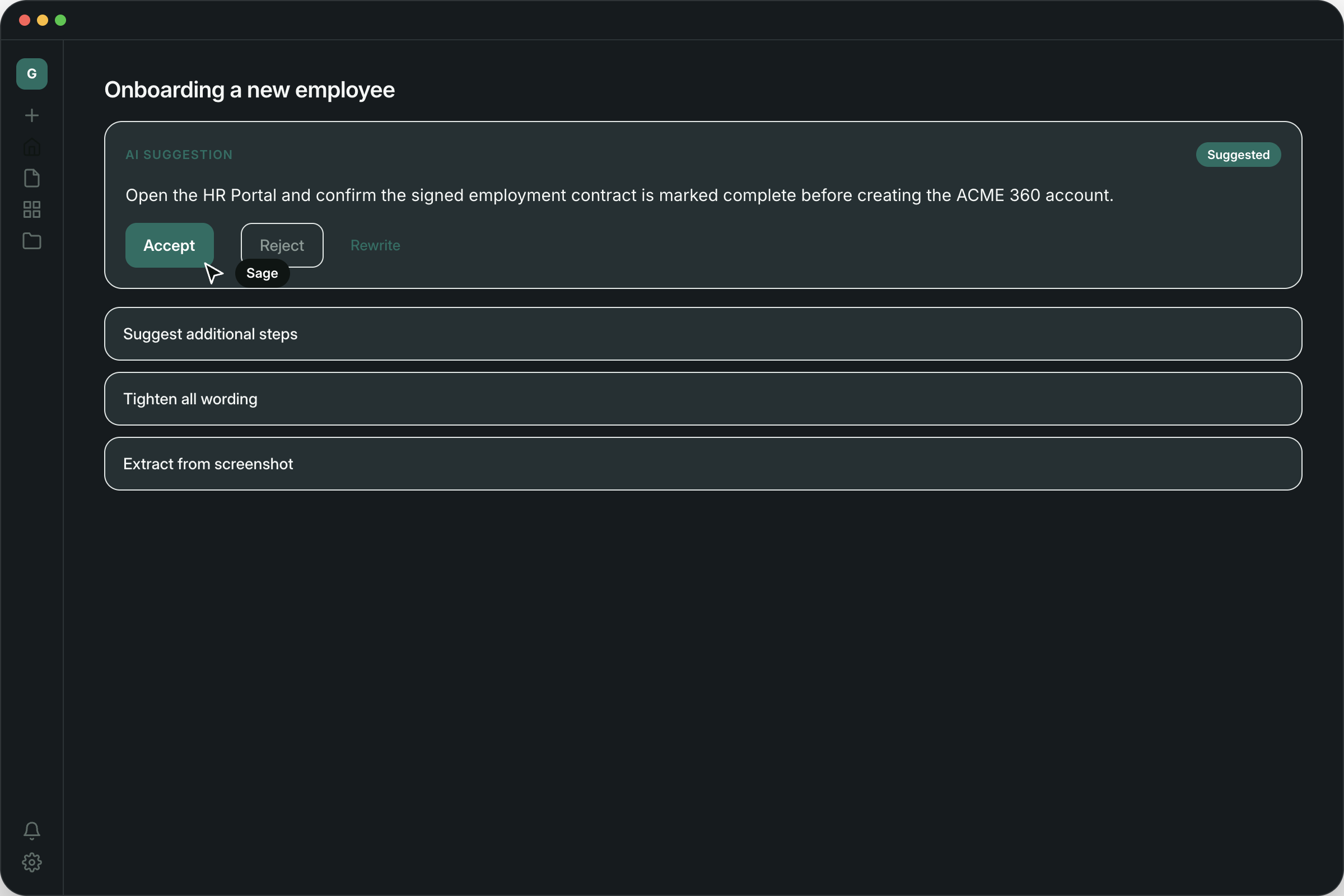
What Sage can do
Draft from an idea
Give Sage a title and a short description, and it scaffolds the first steps so you are not staring at a blank page.
Start from a screenshot
Drop in a screenshot and Sage turns it into steps you can edit — useful when the process already lives on screen.
Find missing steps
Sage looks for gaps and assumptions between steps, then suggests what to insert, right where it belongs.
Tips, warnings, and decisions
It recommends where a step should be a tip, a warning, or a branch — so the hard parts are marked, not buried in a paragraph.
Tighten the wording
Rewrite vague steps so a first-time reader can follow them. You can tighten the whole guide, or just one step.
Summarize the guide
Get a short summary you can share, without rewriting the process yourself.
Ask about this guide
Ask Sage a question while you edit. Answers stay tied to the steps in front of you.
Ask across the library
Switch to the workspace and ask across every guide you have — so the answer is not trapped in one document.
Product
Step-by-step guide
Walk someone through a process, one action per step.
Slideshow
A visual walkthrough of screenshots with click markers.
Chrome extension
Capture a workflow while you complete it in the browser.
Process
A repeatable team process with owners, statuses, and timing.
Runbook
A timed operation with scheduled steps, owners, and handoffs.
QA / Test case
Test steps with expected results, marked pass or fail.
See how Guidelane turns knowledge into action.
Watch a short walkthrough to see how you can create, improve, and share a complete step-by-step process with your team.
Intro to Guidelane, an AI assisted process creation tool