Desktop app
Capture work in any app, not only the browser.
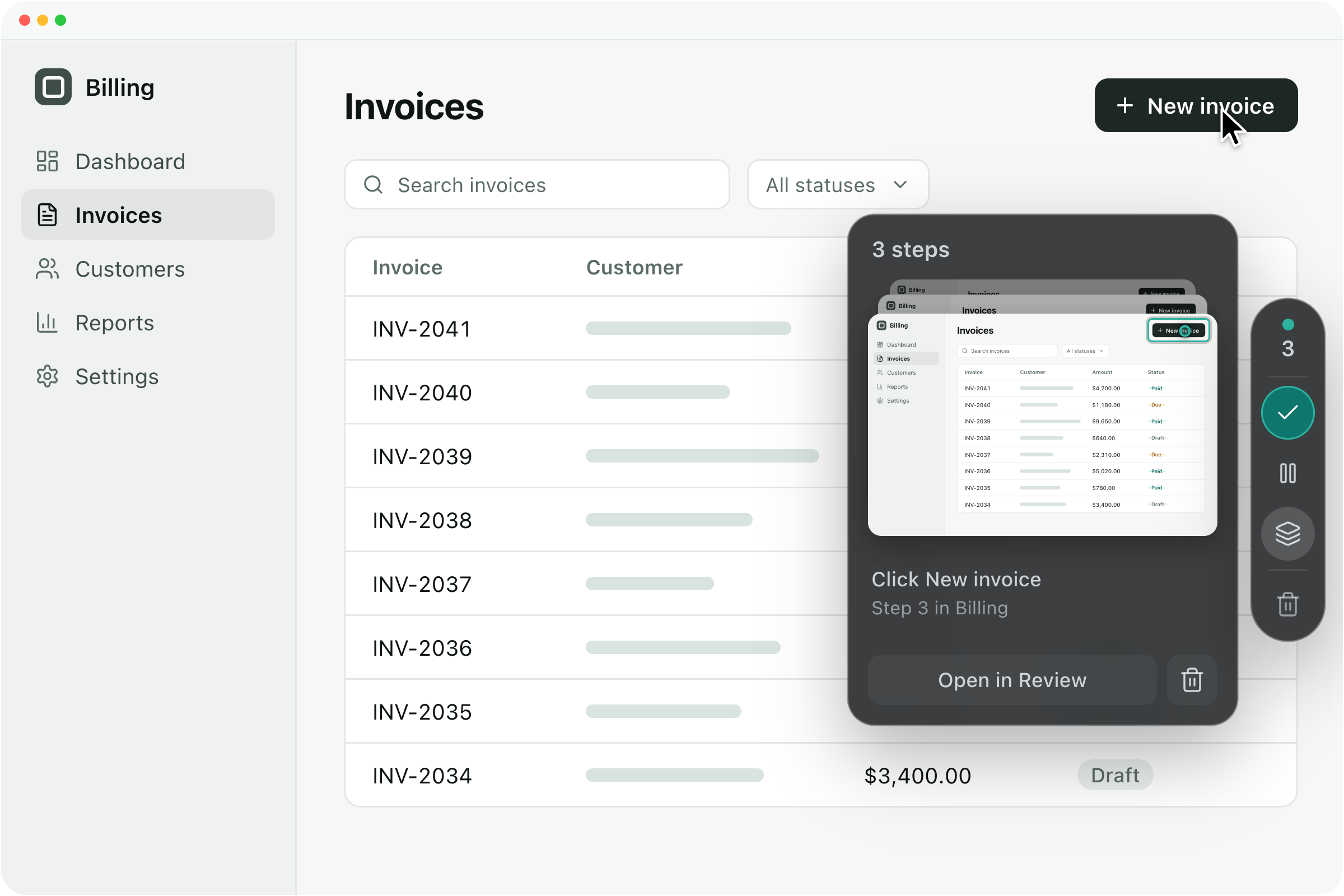
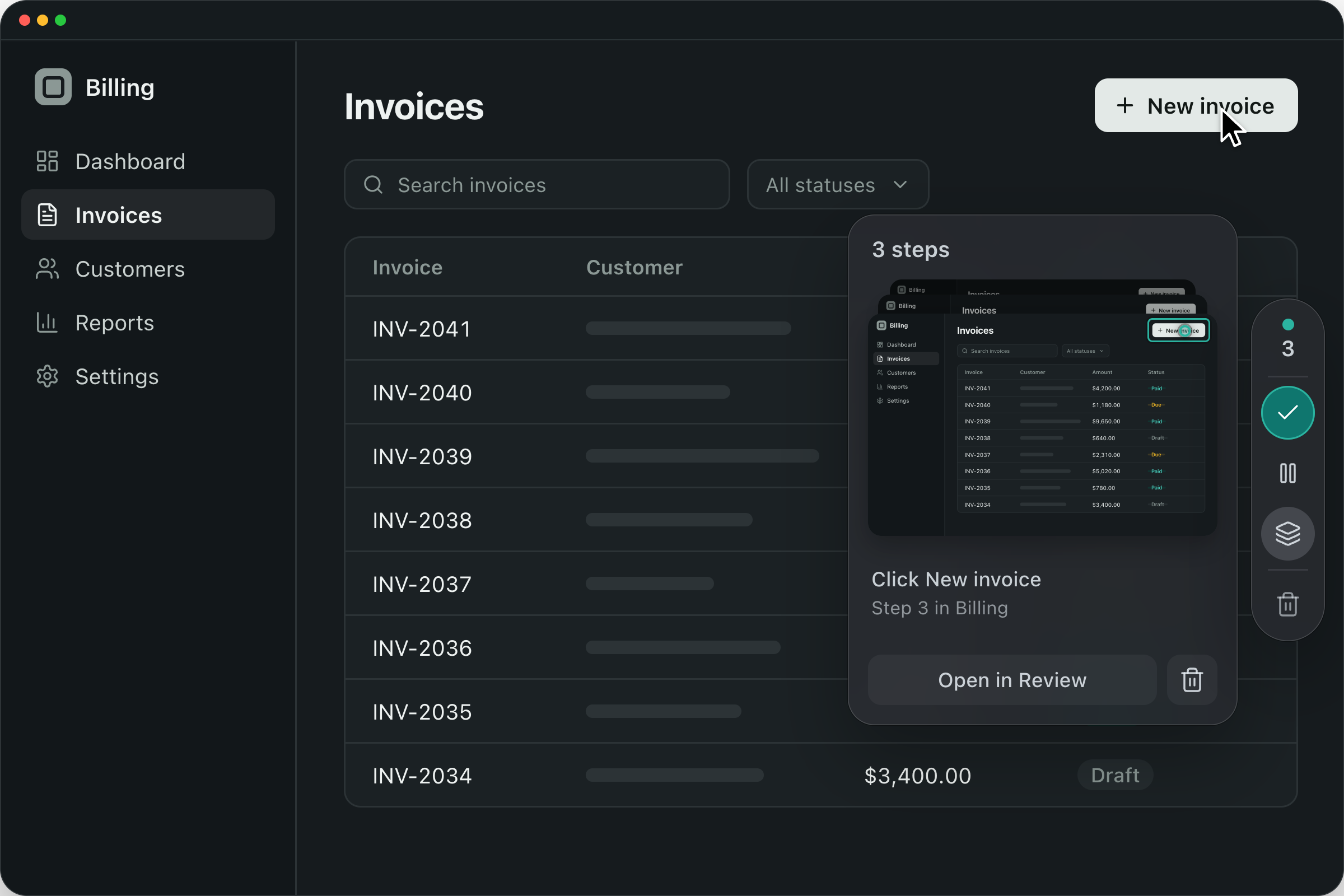
Do the task once on your Mac or Windows PC. Guidelane Desktop turns each click into a screenshot and a step, ready to review and add to a guide.
- Works in every app on your computer
- Passwords and card numbers are blurred before a screenshot is saved
- Check every step on your computer before anything is uploaded
Download
Get Guidelane Desktop.
Recording works on every plan. Uploading to a workspace needs Pro or Business.
How it works
From one recording to a guide.
-
Pick what to record
Choose what to record, then click “Start recording”.
-
Do the task
Work as usual. Each click becomes a step with a screenshot.
-
Review and upload
Rename or remove steps, blur anything private, then add them to a guide.
See how Guidelane turns knowledge into action.
Watch a short walkthrough to see how you can create, improve, and share a complete step-by-step process with your team.
Intro to Guidelane, an AI assisted process creation tool